The Challenge
After completing the full redesign of OnlySales, the answer became clear through one consistent thread in user feedback:
Users needed to stay connected to their leads while on the move.
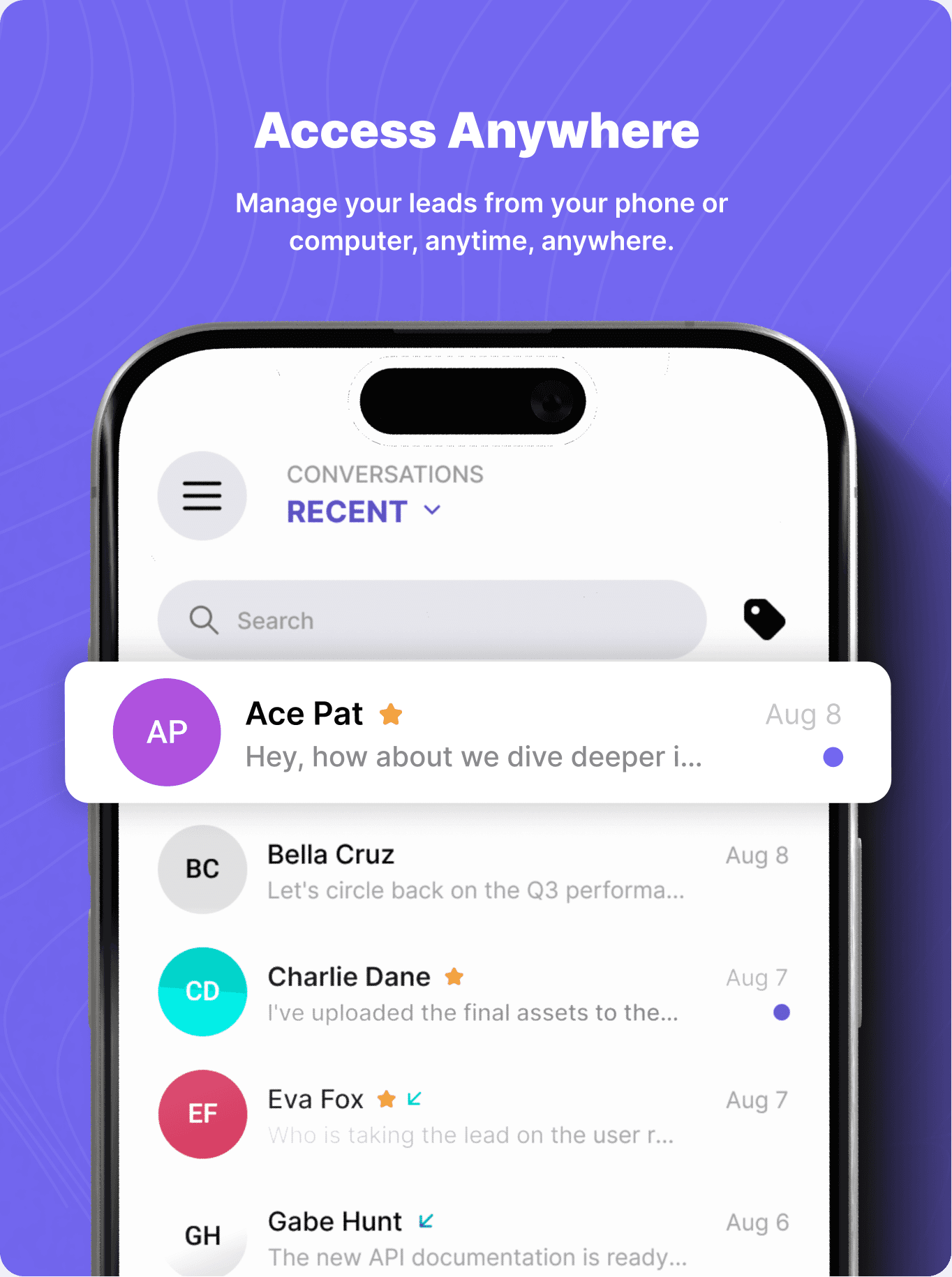
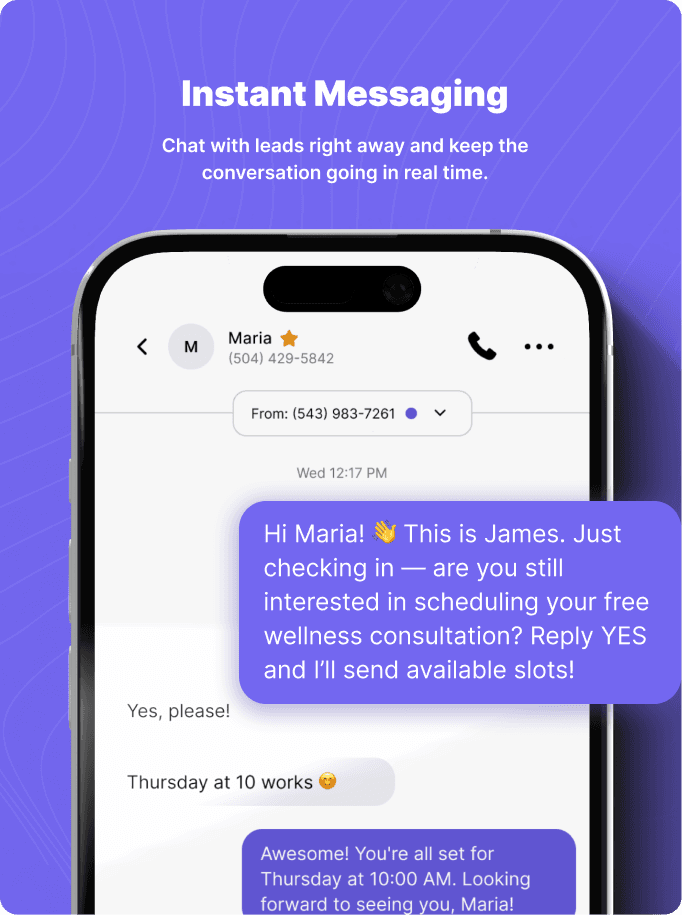
The most requested feature wasn't a full mobile replica of the CRM—it was the ability to reply to and send messages to leads, anywhere, anytime.
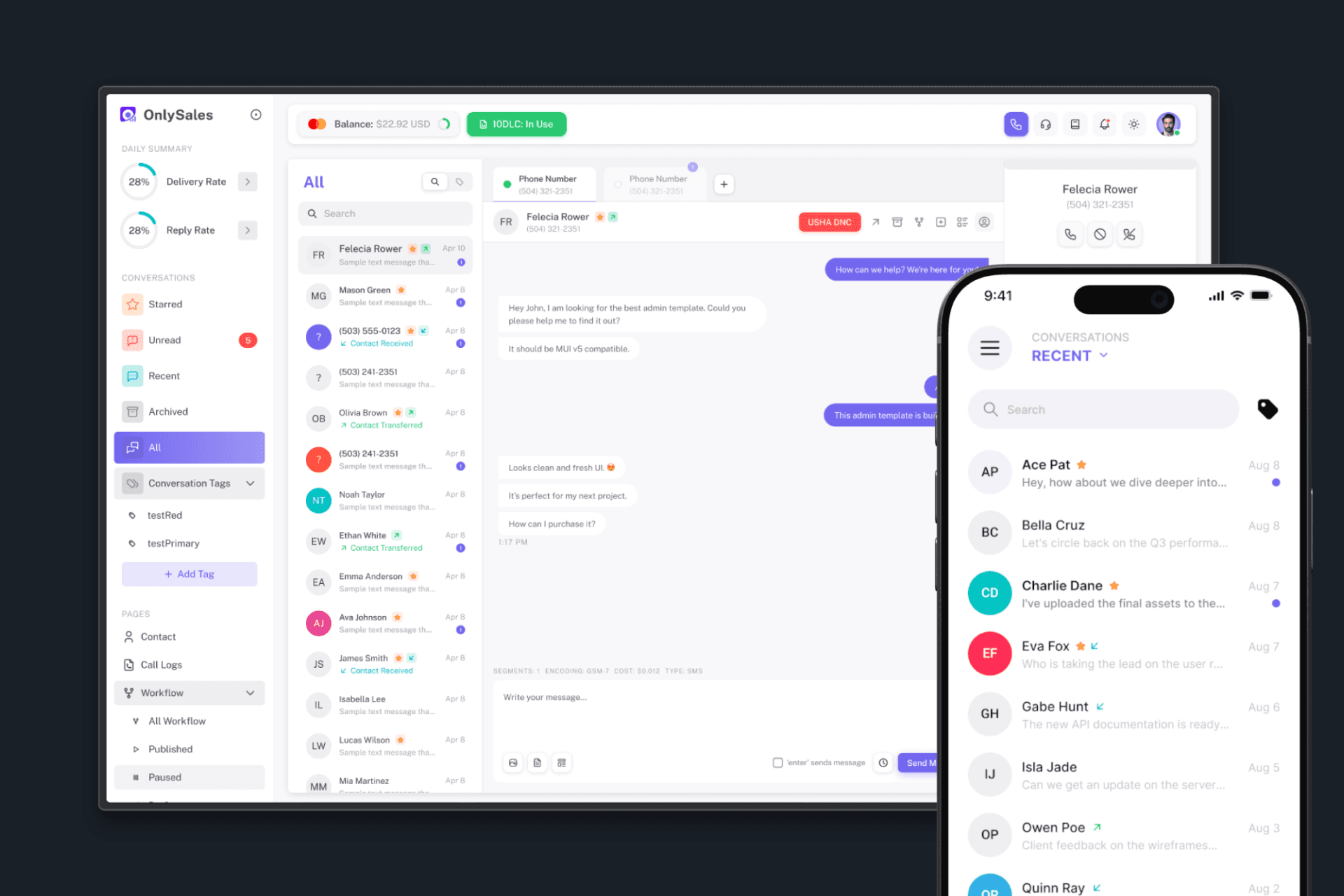
Web and Mobile App
The Design Process
Because we had already built a fully redesigned web version of OnlySales, I wasn't starting from a blank slate. The information architecture, the data structure, the logic behind how conversations were organized—all of this was already established. My job was to translate that into a mobile-first experience, not to reinvent it.
The Hybrid Advantage
One decision that significantly streamlined the entire process was the choice to use hybrid app development. This meant I only needed to create one set of designs that would work across both iOS and Android—no need to design separately for each platform, no need to navigate the subtle differences in platform-specific guidelines for every single element.
This was a major win for our timeline and consistency. It meant every design decision I made would translate directly to both platforms, and users on either device would have the same seamless experience.
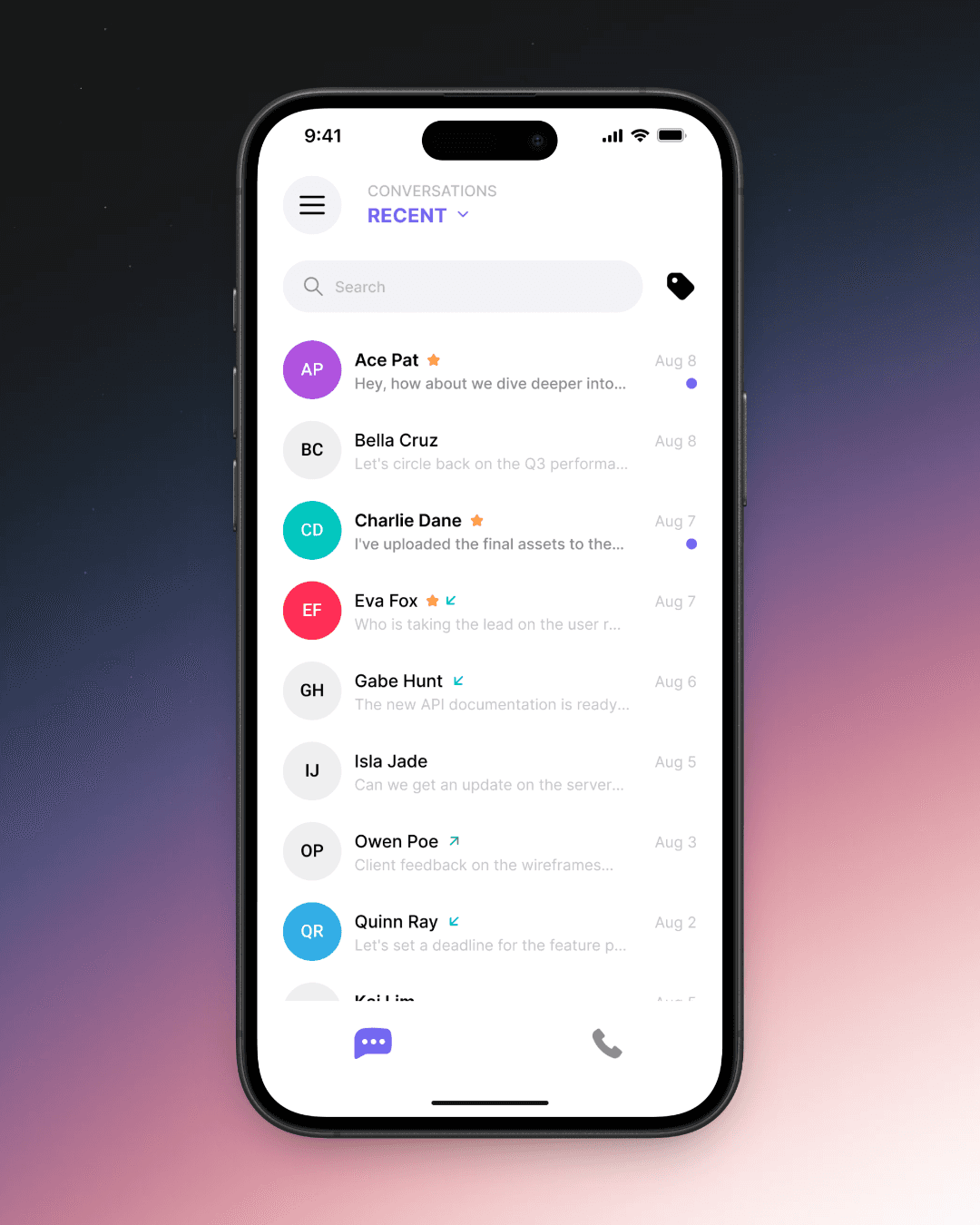
IOS
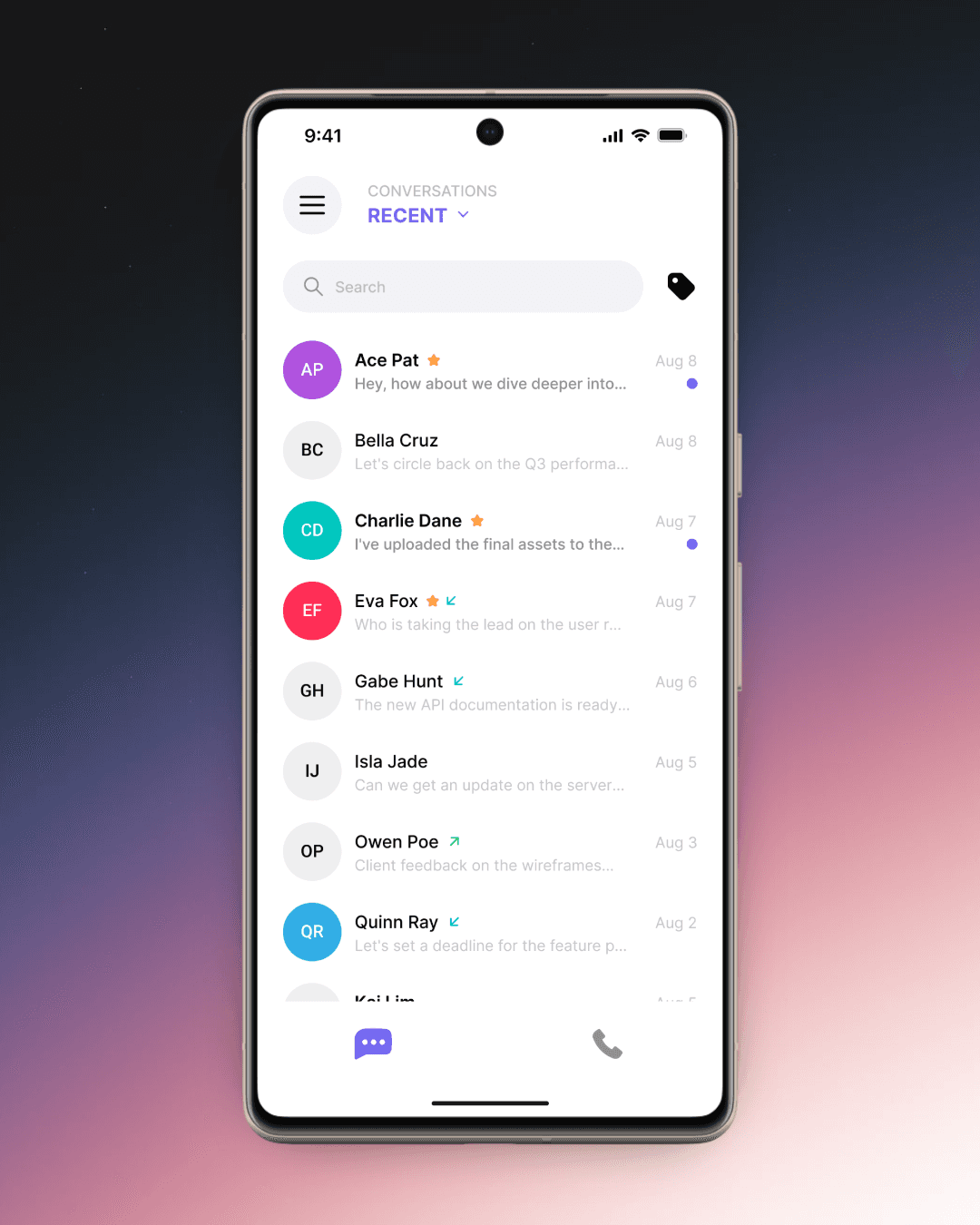
Android
Translating The Conversation Page
With the research done and the hybrid approach confirmed, I got to work on what would become the core of the app: the conversation page.
The Inbox:
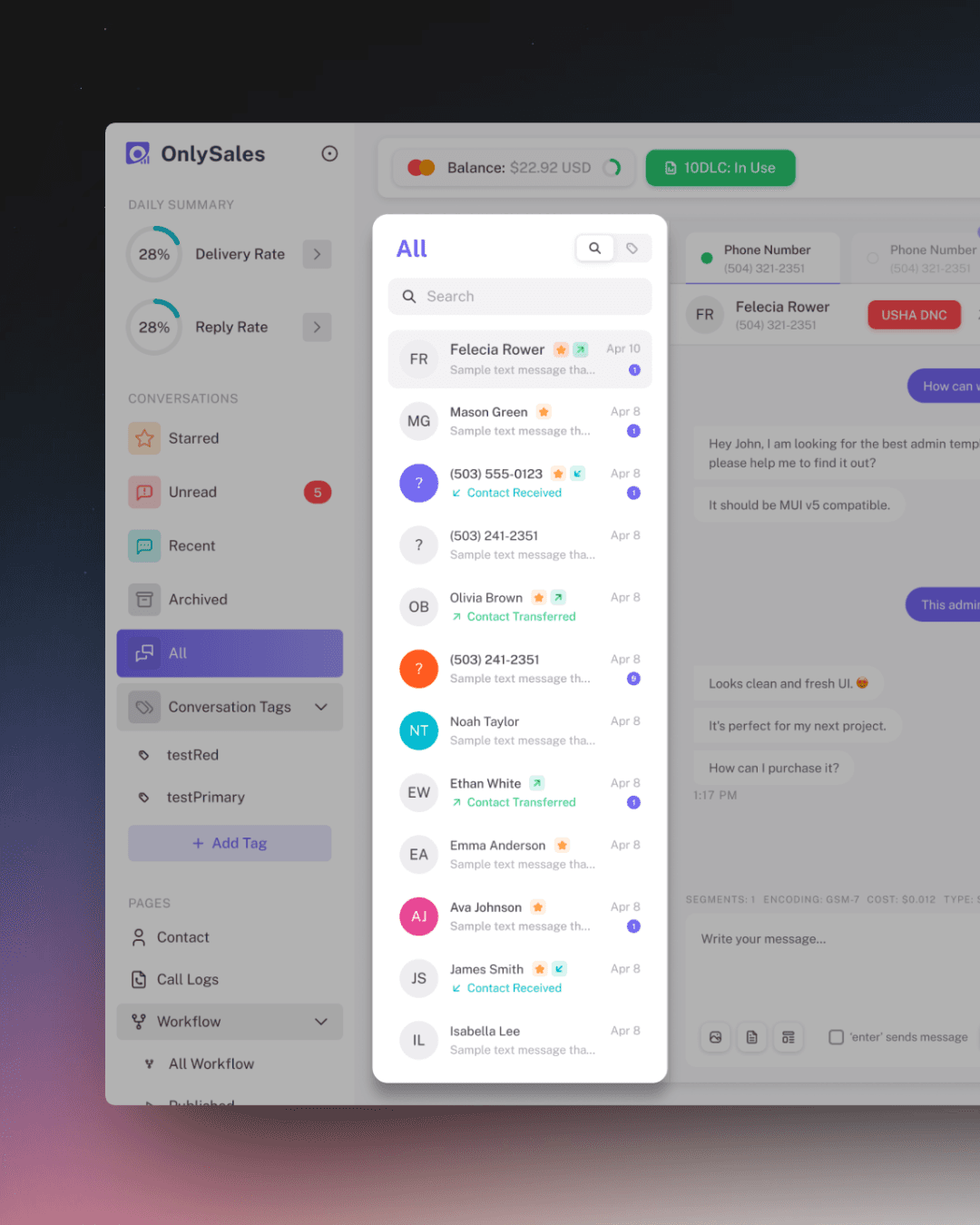
Web
Mobile
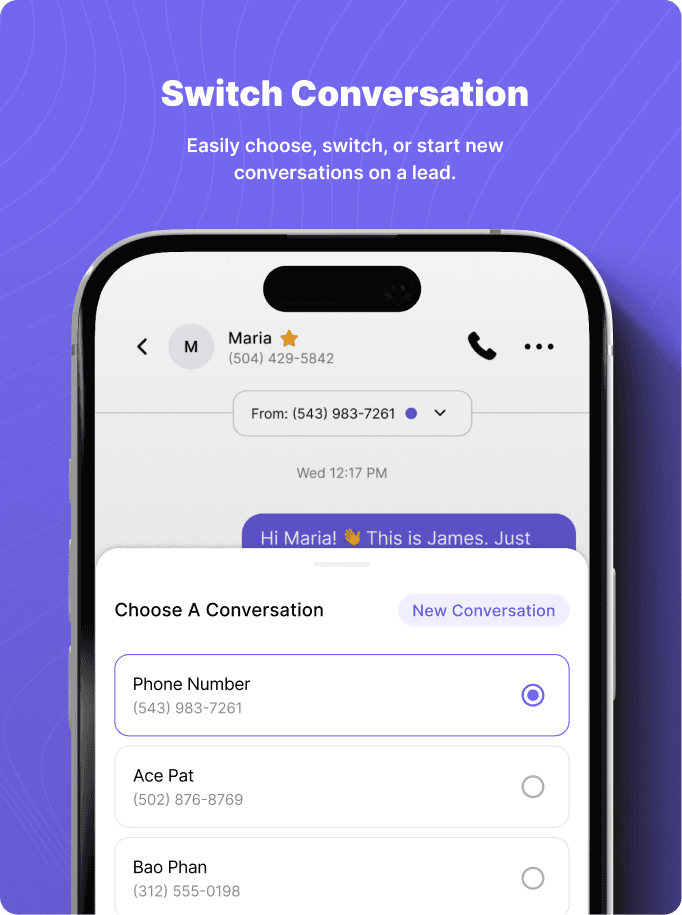
Conversation Menu:
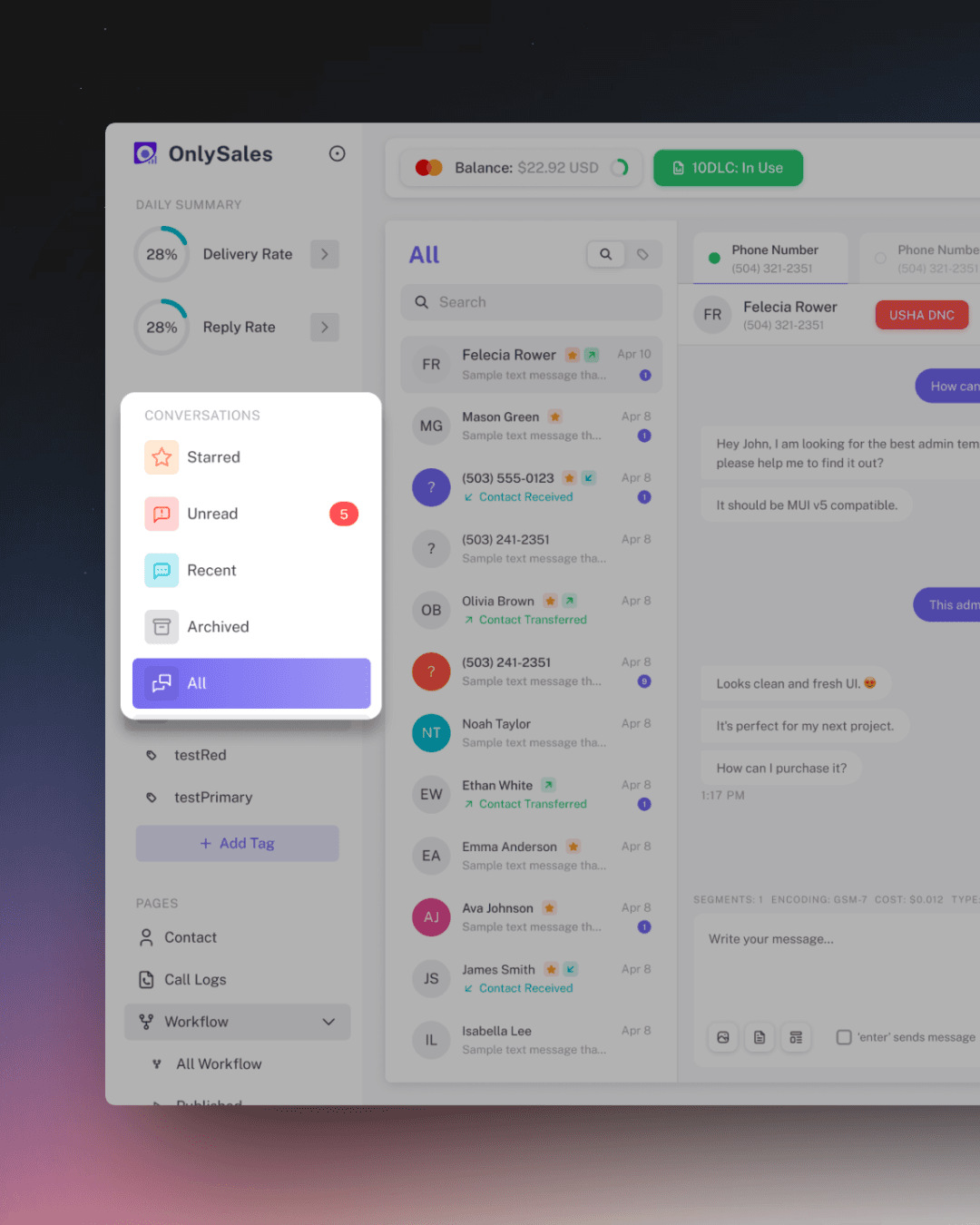
Web
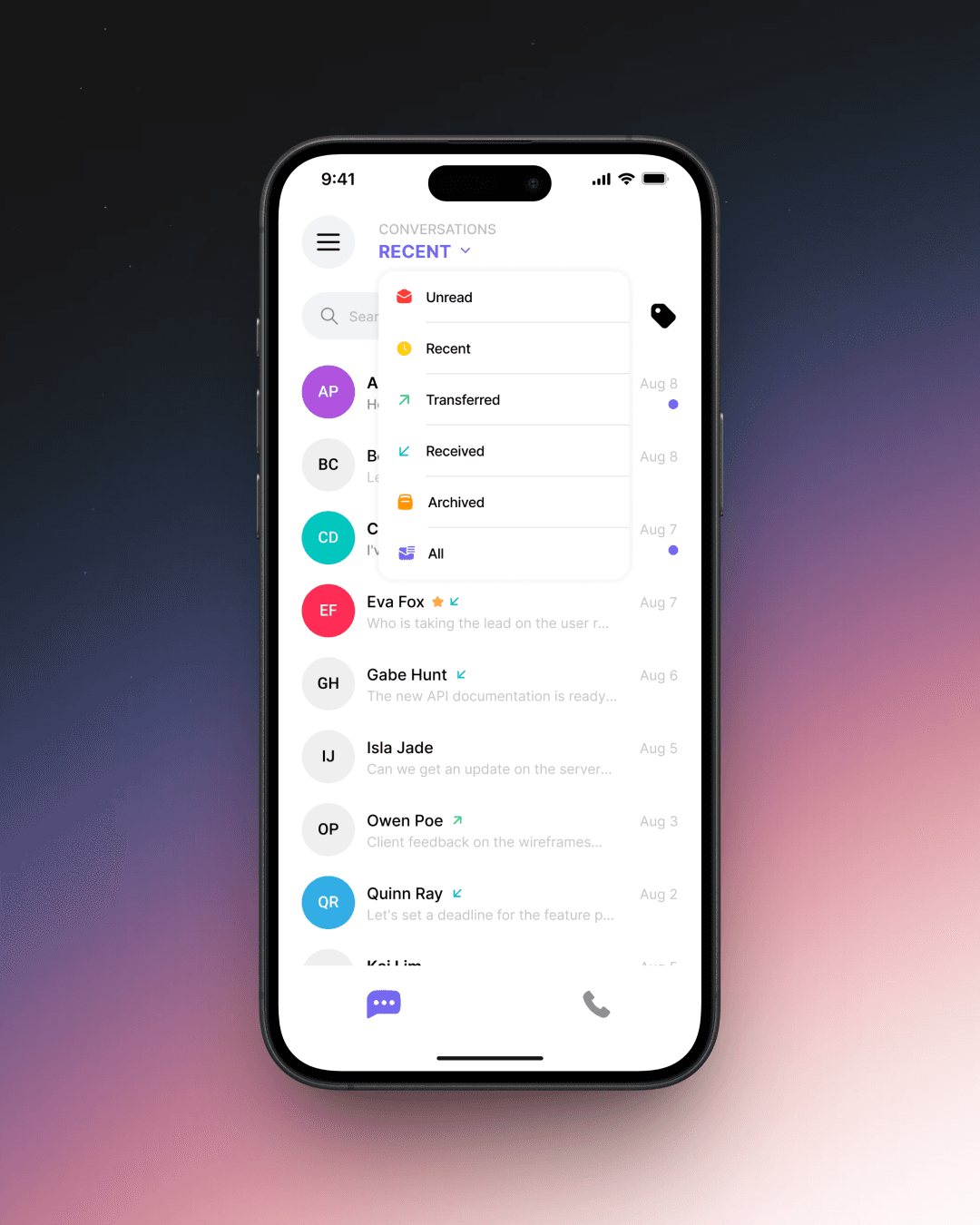
Mobile
Conversation:
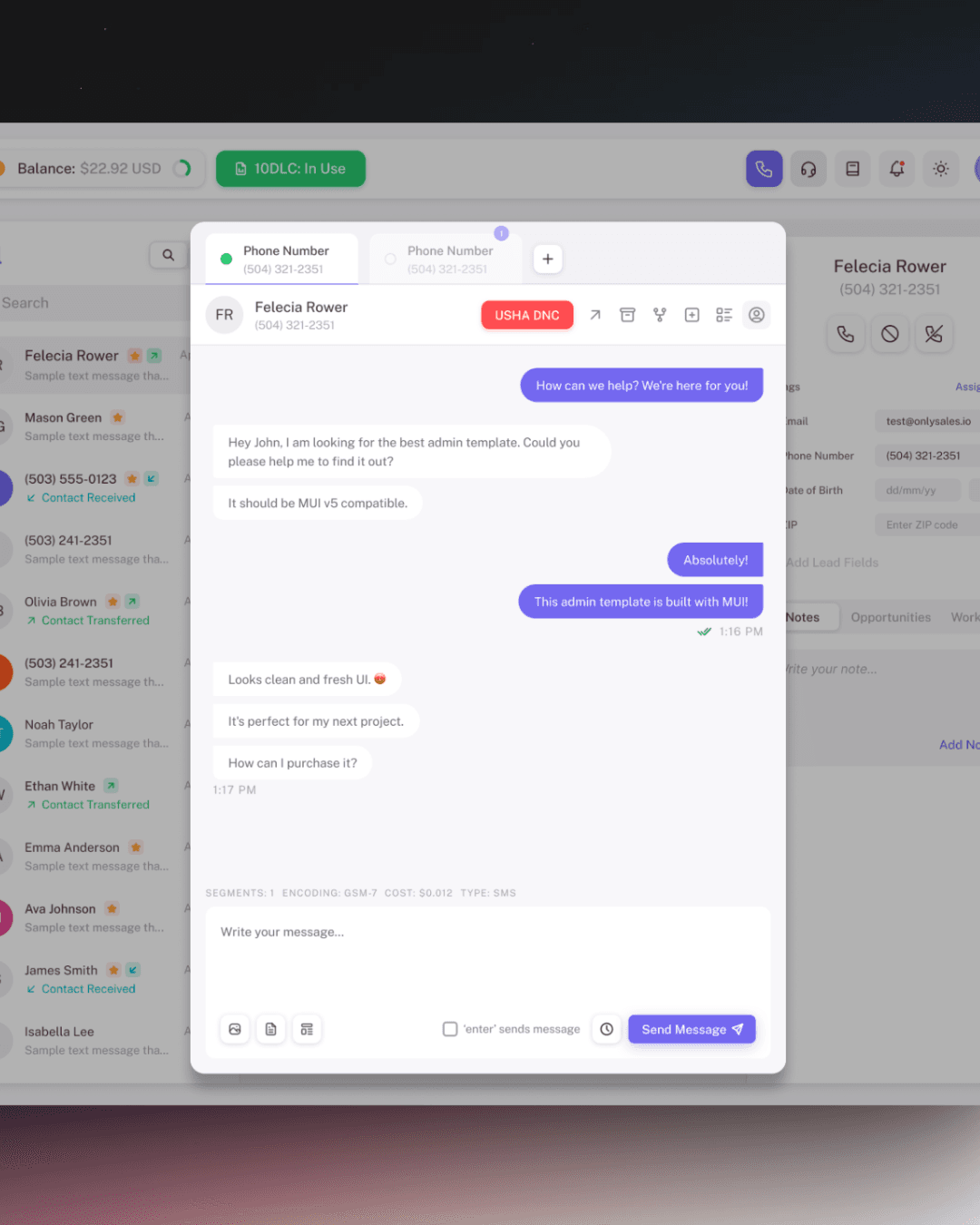
Web
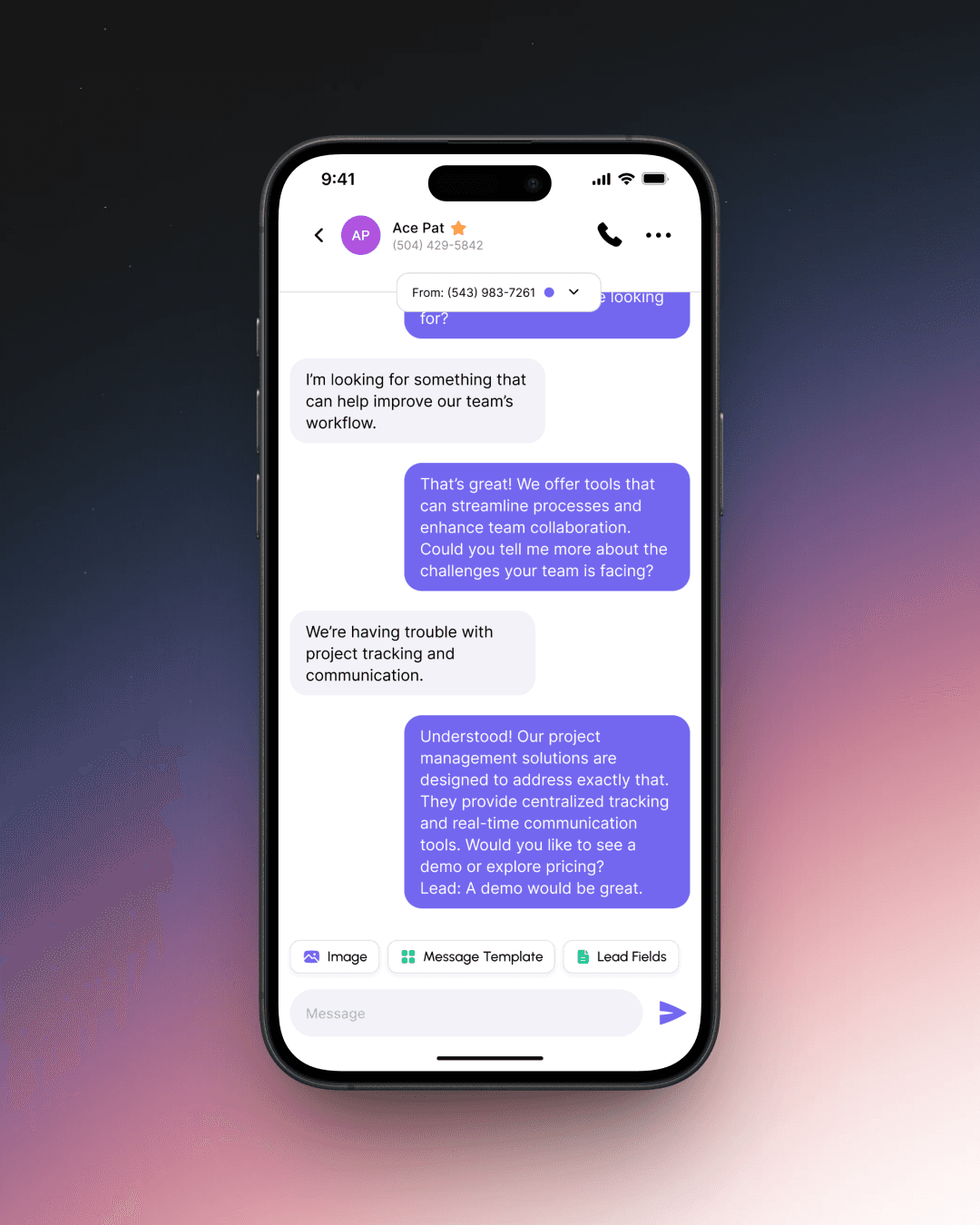
Mobile
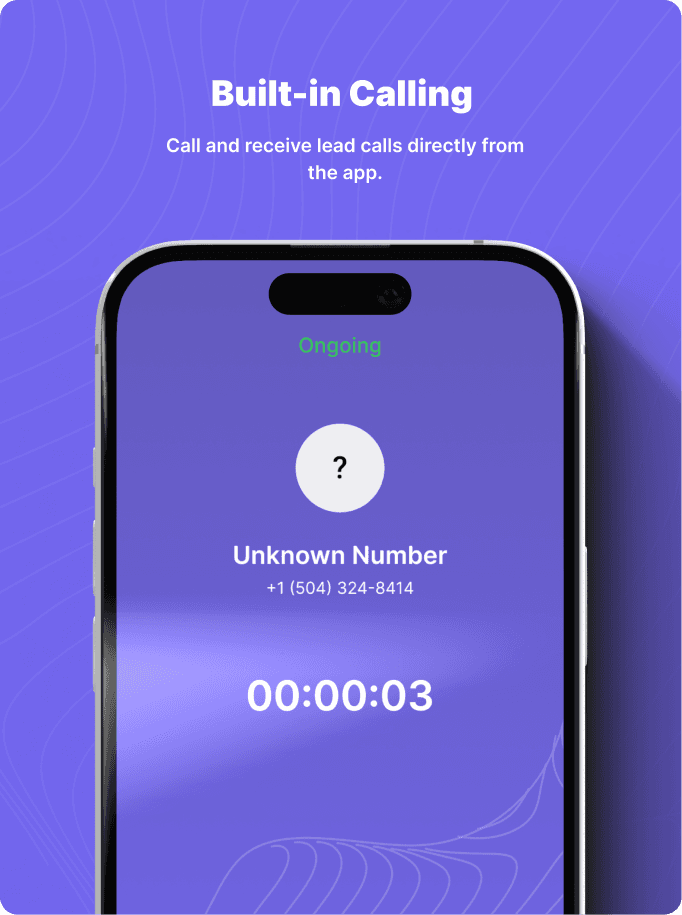
Phone Number Tab:
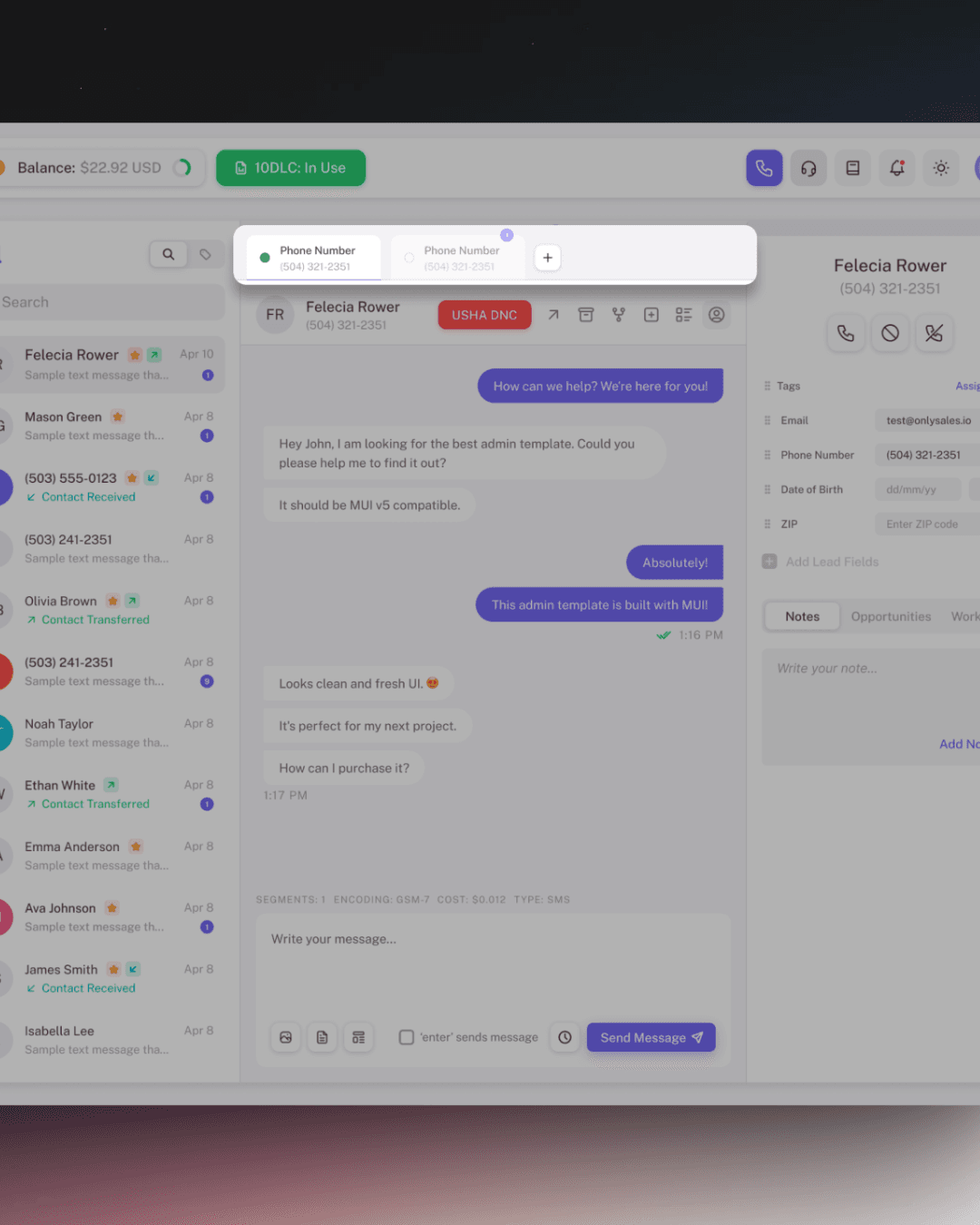
Web
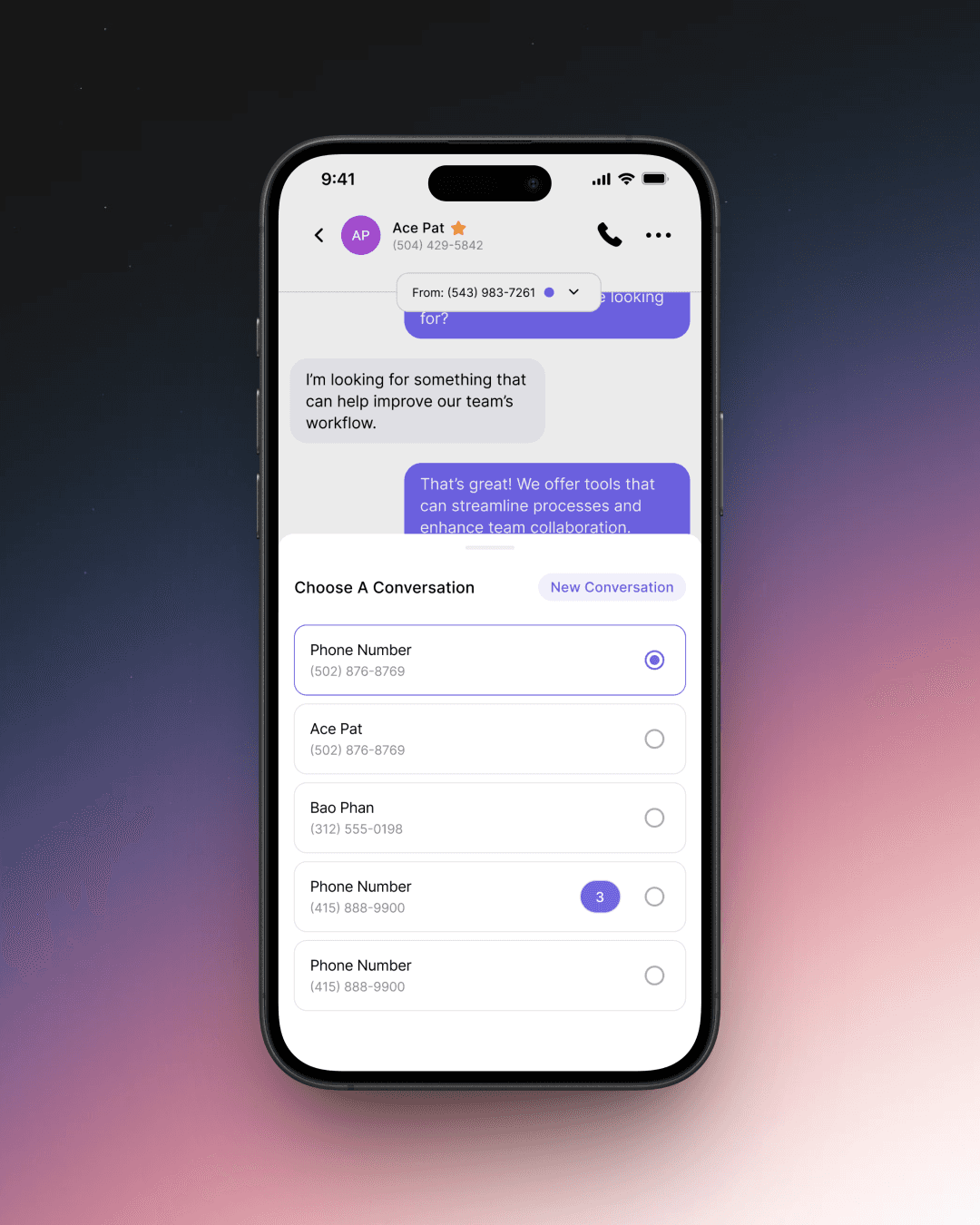
Mobile
Contact Info:
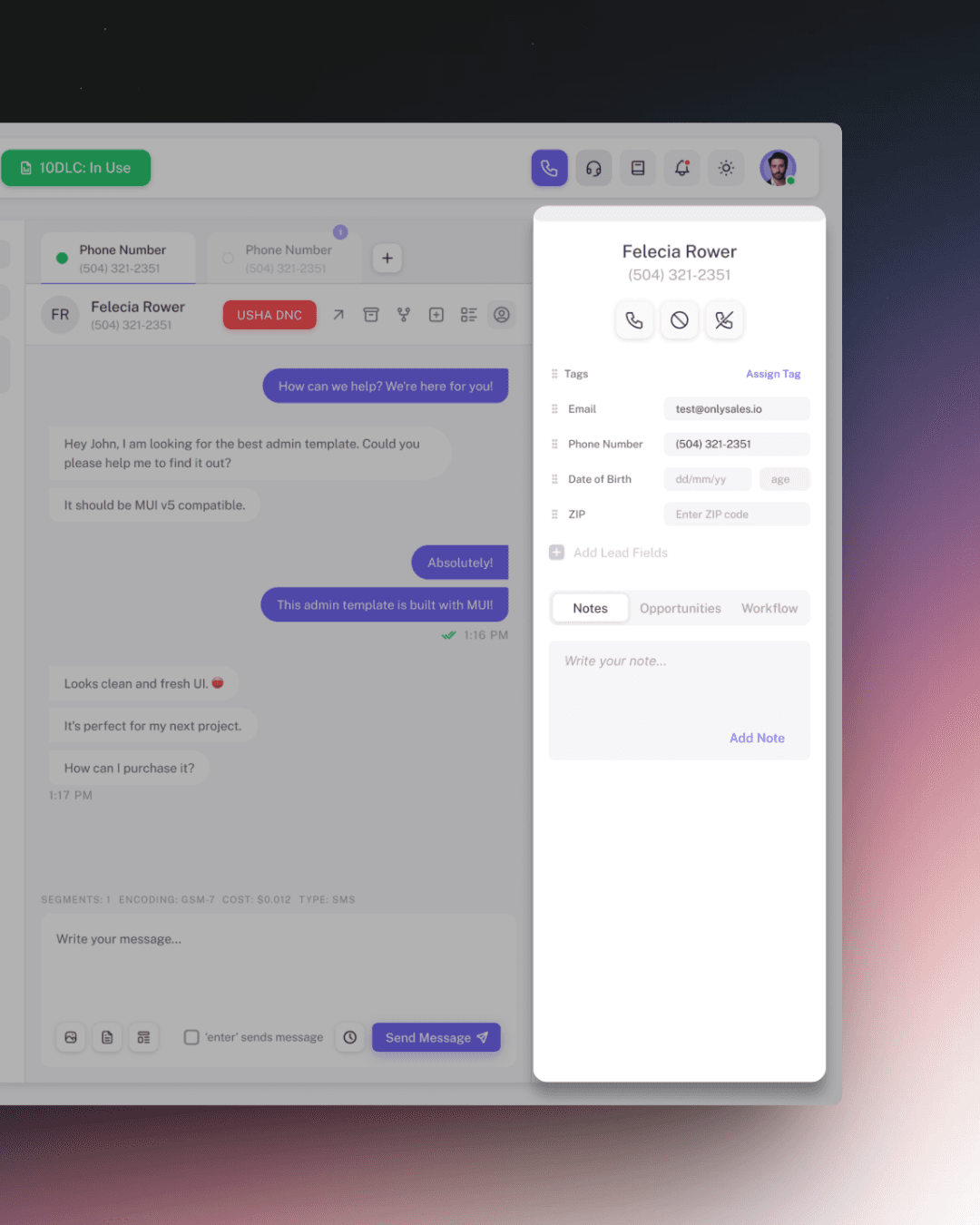
Web
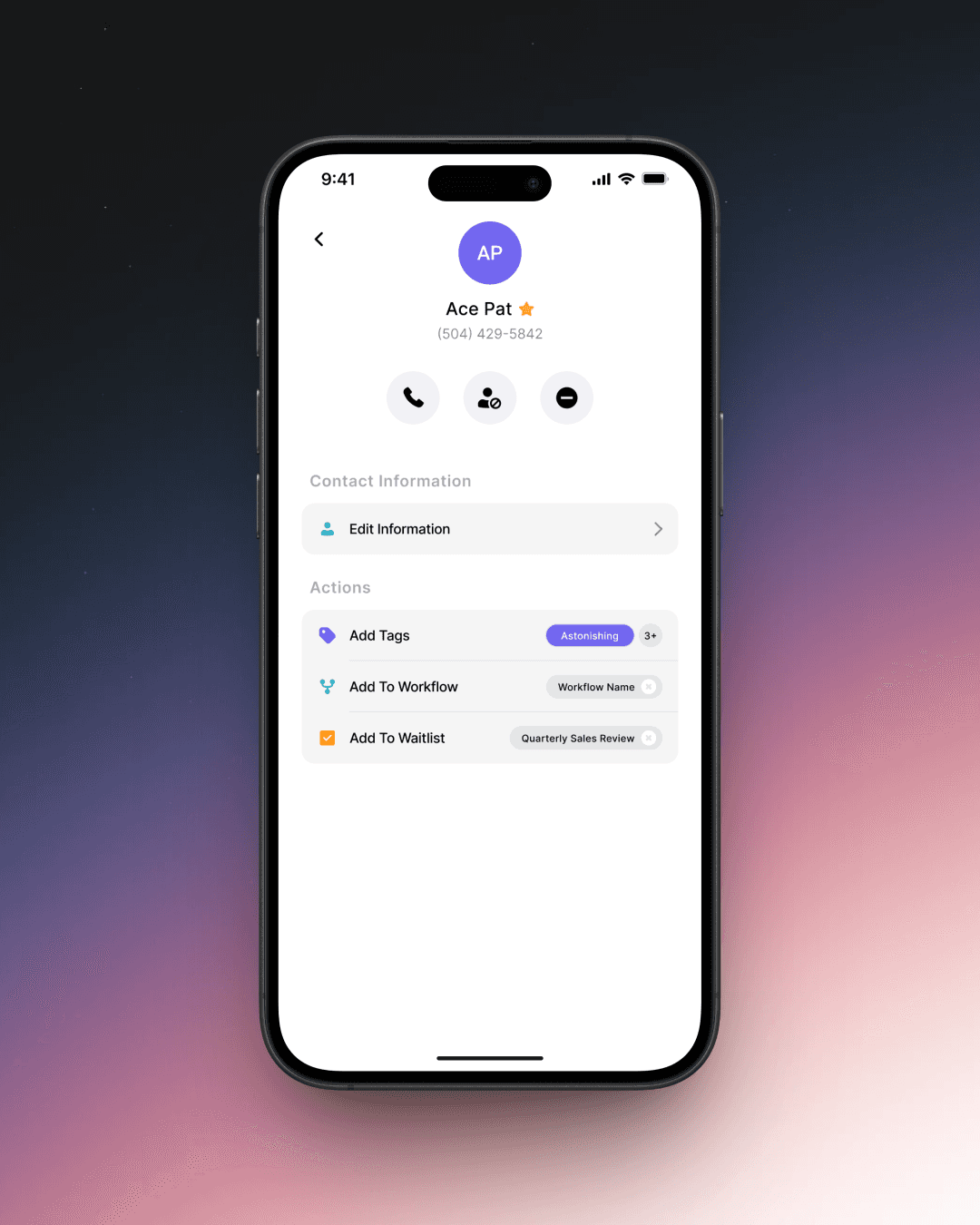
Mobile
Keeping It Focused
One of the most important design decisions was knowing what not to include. The mobile app wasn't meant to be a full CRM in a pocket—it was meant to keep sales professionals connected to their leads during the moments that mattered. Features that weren't essential to real-time conversation were intentionally left out of this first version, keeping the app fast, lightweight, and purposeful.
Confidence Through Testing
Designing features is one thing. Making sure they actually work in the real world—across different devices, different user behaviors, and different edge cases—is another challenge entirely. This is where comprehensive testing became critical.
Creating a Testing Framework
Rather than approaching testing as an afterthought, I built a structured framework to ensure every feature was thoroughly validated before release. I organized testing scenarios into clear categories, each representing a critical part of the user experience.
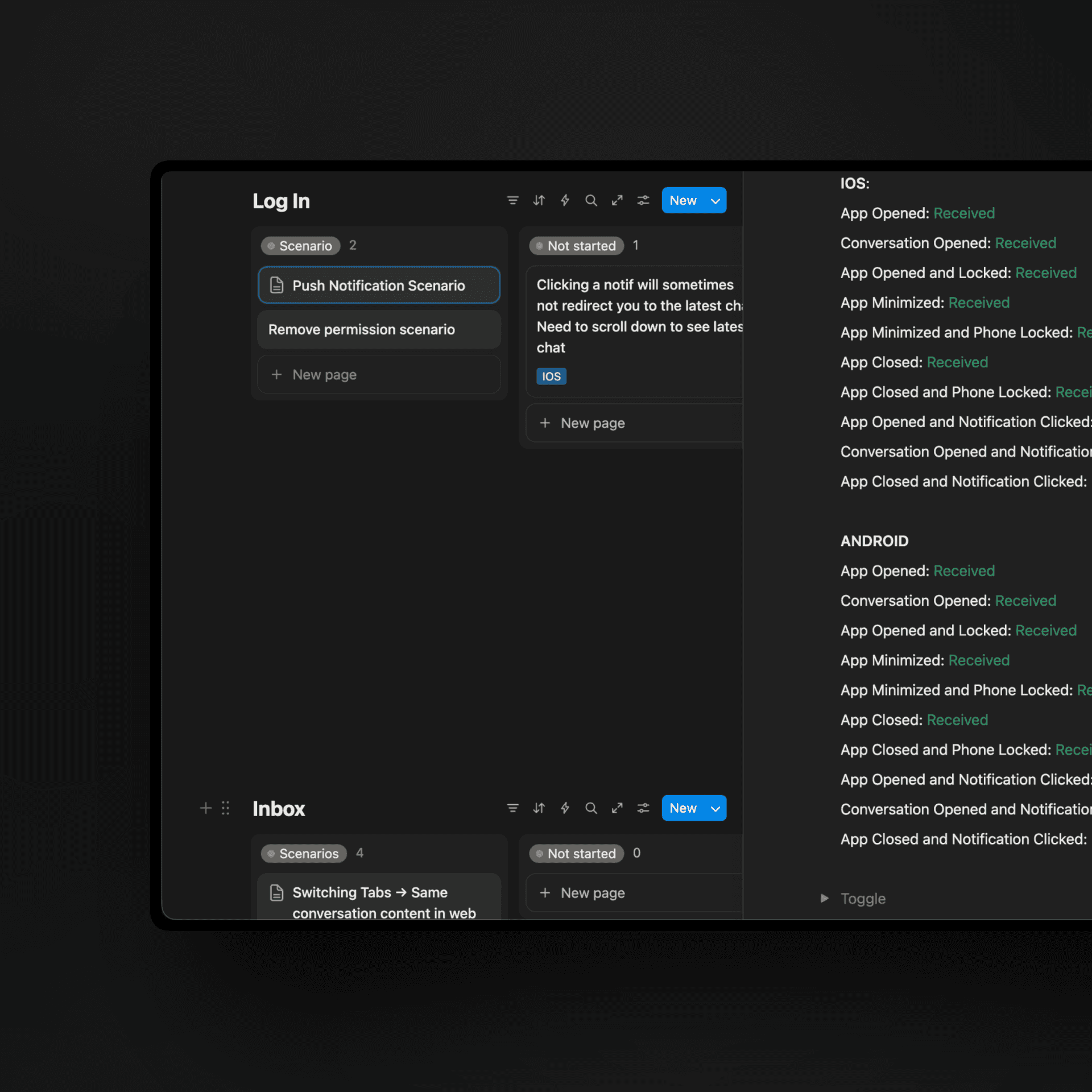
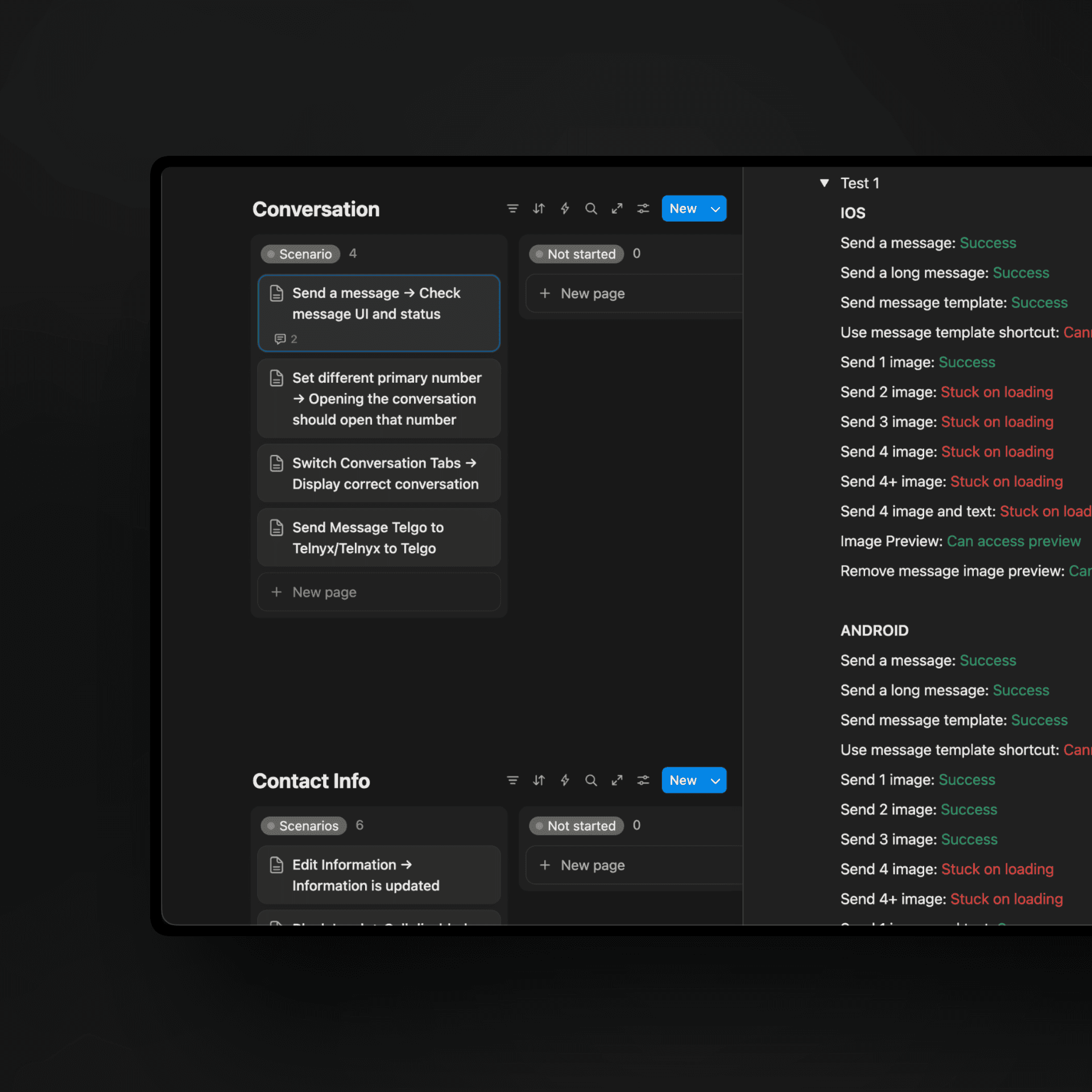
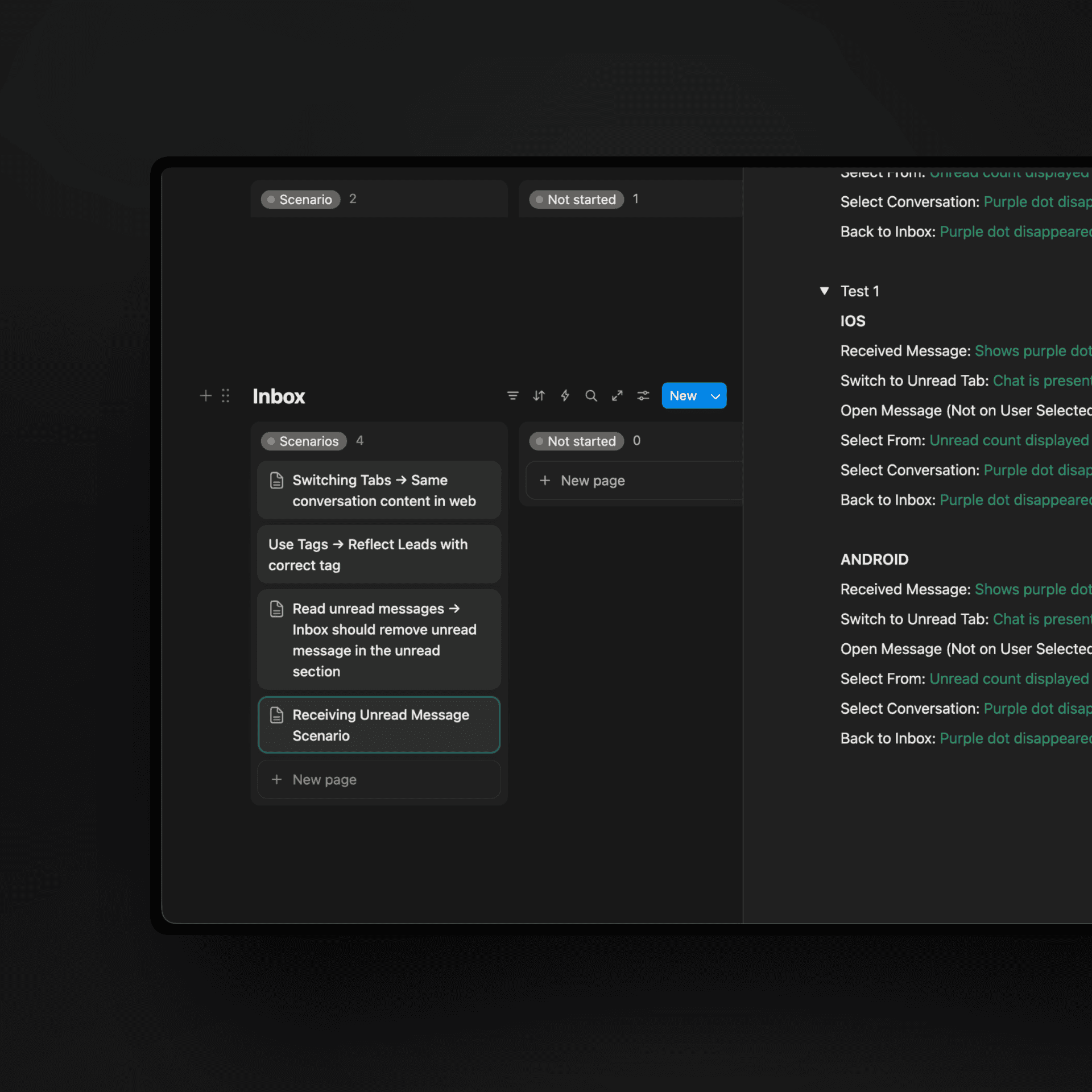
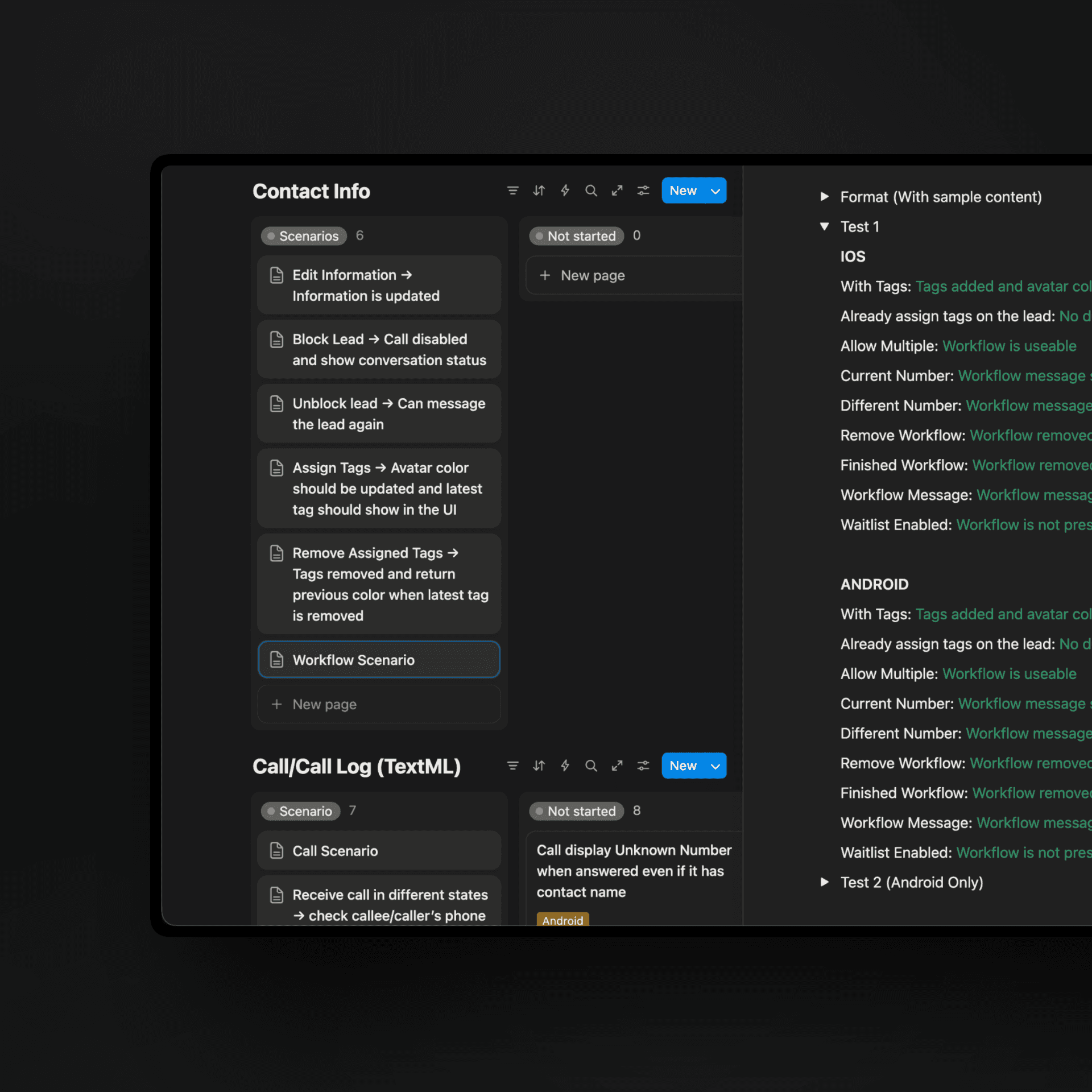
Each scenario was tagged with the relevant platform (iOS, Android, or both), priority level (High Priority for critical issues), and environment (Production, Staging), making it easy to identify what needed immediate attention versus what could be addressed later.
The Outcome
The mobile app launched as a focused, purposeful tool—and that was exactly the point. Sales professionals could now stay on top of their leads during the moments that mattered most: between meetings, in a client's lobby, or on the way home after a long day.
It wasn't the entire CRM in their pocket. It was the right part of the CRM in their pocket—and for now, that was more than enough.